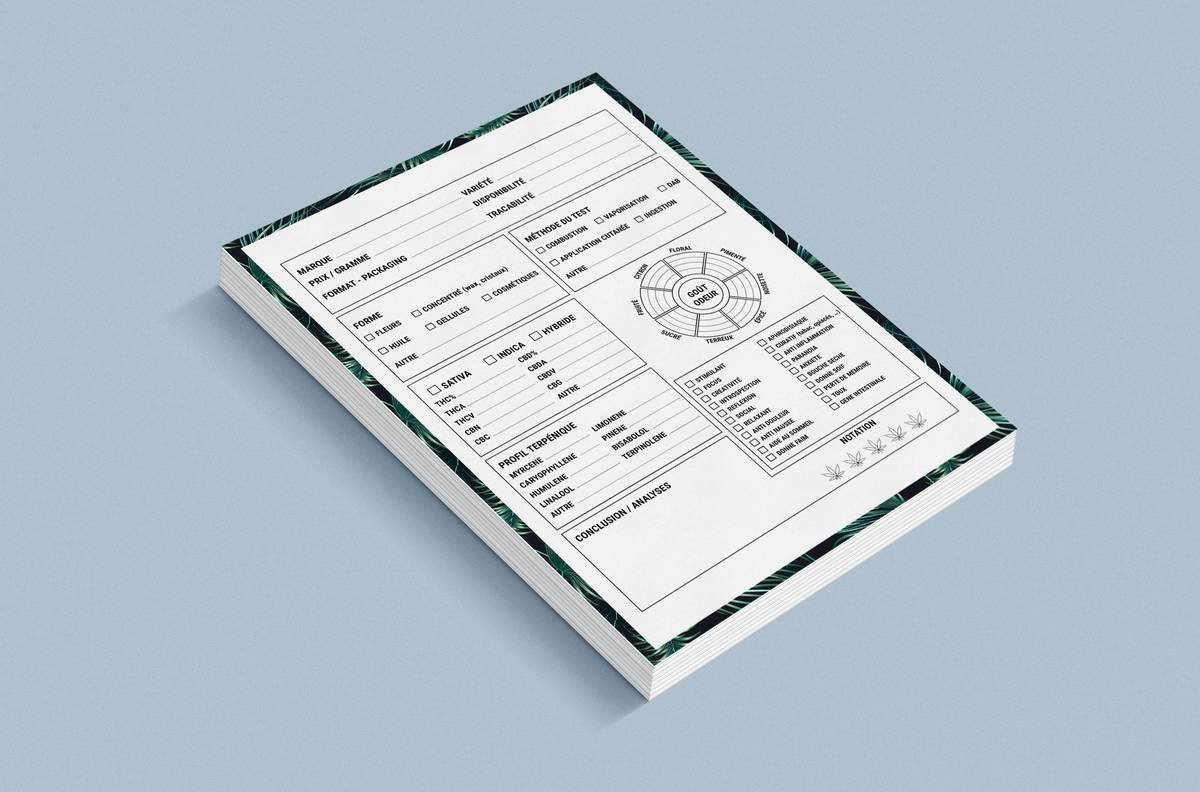
You’ve downloaded 87 PDFs. Your desktop looks like a digital landfill. You *know* that one killer study is hiding in there—somewhere. But you can’t find it. Again. The stress mounts. Deadlines loom. And your brilliant insights stay trapped in a chaotic folder named “Stuff to Read (FINAL v3).” Here’s the fix: stop relying on folders and filenames. Start using a research paper organizer Notion template—designed not just to store, but to *connect* ideas.
Why Traditional Research Management Fails Miserably
Folders are static tombs. They don’t understand context. Drag a paper into “Neuroscience” or “Productivity Tools,” but what if it belongs to both? You’re forced to duplicate or guess. Worse—you lose the thread between sources.
And highlighters? Digital or physical—they’re dead ends. A yellow streak means nothing without the *why*. Was that insight about dopamine scheduling? Or circadian rhythm alignment? Without immediate annotation tied to your own questions, highlights become noise.
The real problem isn’t volume—it’s fragmentation. Your notes live in OneNote. Citations in Zotero. Thoughts in a Moleskine. None talk to each other. You’re not managing research. You’re juggling burning torches—blindfolded.
How to Build Your Own Research Paper Organizer Notion System
Forget bloated apps that promise AI magic but deliver complexity. Notion gives you lightweight control—no subscription traps, no opaque algorithms. Just structure you design yourself.
Step 1: Create a Master Database for All Papers
Your central hub. Every paper gets one page. Include properties: Author, Year, Journal, Tags (multi-select), Status (To Read / Skimmed / Deep Dived), and Relevance Score (1–5). This isn’t metadata—it’s your filterable brain extender.
Step 2: Embed PDFs + Active Note-Taking
Upload the PDF directly into each Notion page. Below it, build three blocks: Key Claims, Methodology Notes, and My Critique/Connections. Force yourself to write *in your own words*. No copy-paste summaries—that’s intellectual theft from your future self.
Step 3: Link Ideas, Not Just Files
Use Notion’s @-mention to cross-reference other papers or your project briefs. Found a conflict between Study A and Study B? Link them. See a pattern across three meta-analyses? Connect them in a weekly synthesis page. Suddenly, your archive breathes.

Cost & Feature Comparison: Notion vs. Dedicated Research Apps
| Tool | Cost (Annual) | PDF Annotation | Bidirectional Linking | Custom Metadata | Data Ownership |
|---|---|---|---|---|---|
| Notion (Personal) | $0–$96 | Limited (view-only embeds) | Yes (page mentions) | Full (custom properties) | You control export |
| Zotero | $0–$60 (cloud sync) | Yes (with plugins) | No | Limited (fixed fields) | Local-first, open format |
| Obsidian + Plugins | $0–$180 (sync) | Clunky (PDF viewer plugin) | Yes (native) | Minimal (YAML frontmatter) | 100% local files |
| Paperpile | $72–$144 | Yes (Google Drive integration) | No | Moderate | Cloud-dependent |

The Industry Secret: Your Second Brain Needs Friction
Most productivity gurus push “frictionless” systems. Wrong. Total smoothness breeds passive consumption. You skim. You save. You forget.
Here’s what top researchers do quietly: they intentionally slow down. When adding a paper to their research paper organizer Notion workspace, they require three actions before filing it away: (1) Write one original sentence summarizing the core contribution, (2) Tag it with at least two of their active project questions, and (3) Link it to one existing note—even if loosely.
This tiny ritual forces engagement. It transforms hoarding into thinking. The friction isn’t a bug—it’s the feature that builds durable knowledge.
Frequently Asked Questions
Can Notion handle large research libraries?
Yes—but smartly. Use database filters and rollups. Don’t dump 500+ papers into one view. Segment by project or theme. Notion handles scale when you impose intentional structure.
Is a research paper organizer Notion template better than Zotero?
For citation management? No—Zotero wins. For idea synthesis and personal knowledge work? Absolutely. Use Zotero for bibliographies, Notion for meaning-making. They complement; don’t force one to do both poorly.
How do I avoid clutter in my Notion research system?
Review monthly. Archive papers rated below 2/5 relevance. Merge duplicate tags. Delete pages with zero personal notes—they’re just digital junk.

