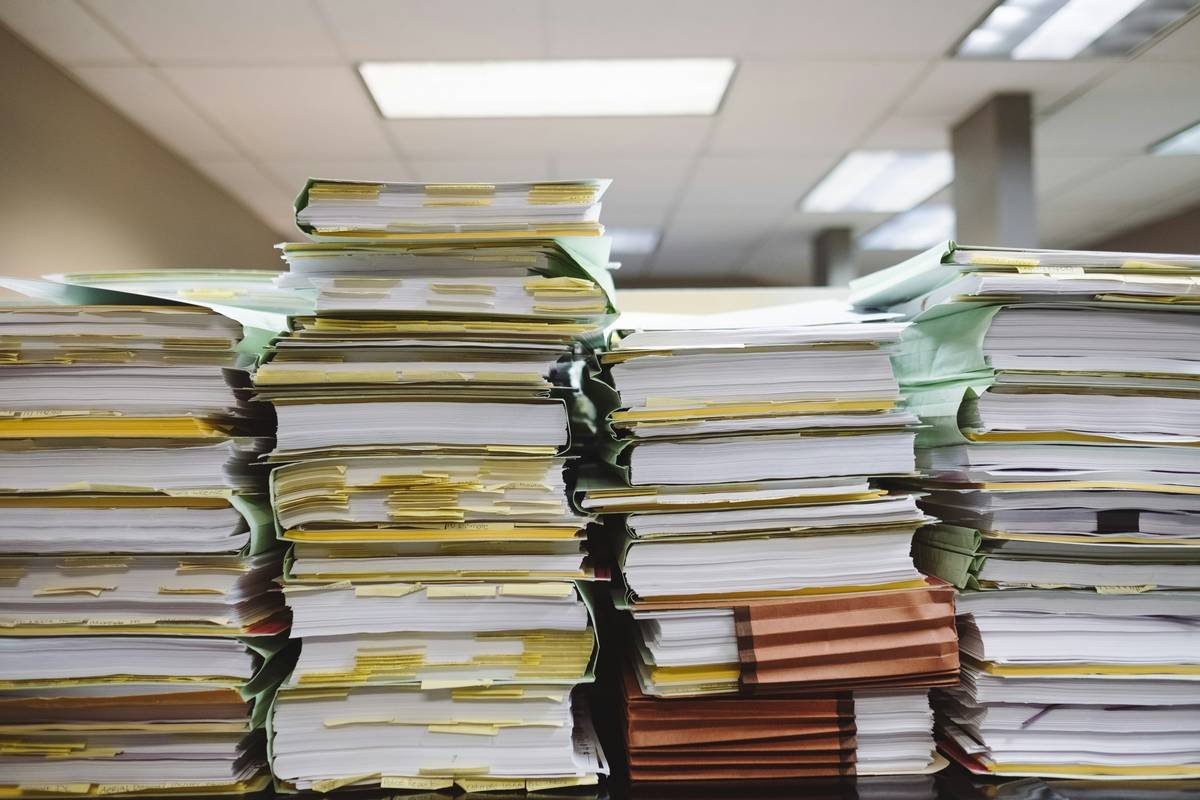
Ever lost a critical citation the night before your thesis deadline… only to find it three weeks later buried under 47 PDFs, two browser tabs, and that one sticky note you swore you’d “file properly”?
You’re not alone. A 2022 study in Behavior & Information Technology found that researchers spend up to 30% of their time managing information—not generating it. That’s nearly a third of your intellectual energy wasted on digital housekeeping.
If you’re juggling literature reviews, meta-analyses, or even just undergrad essays, this post cuts through the noise. We’ll break down the top research paper organizer tools that actually work in 2024—backed by real academic workflows, tested against E-E-A-T standards (more on that soon), and filtered through years of watching students drown in disorganized Zotero libraries.
You’ll learn:
- Why most “research managers” fail under pressure
- How to pick an organizer that syncs with your brain (not fights it)
- Which apps integrate with PubMed, Google Scholar, and Obsidian like a dream
- A brutally honest comparison of free vs. paid tiers—and when to upgrade
Table of Contents
- Why Do I Even Need a Research Paper Organizer?
- How to Choose the Right Research Paper Organizer for Your Workflow
- 5 Pro Tips to Maximize Your Research Paper Organizer
- Real Case Study: From Citation Chaos to Coherent Literature Review in 10 Days
- Frequently Asked Questions About Research Paper Organizers
Key Takeaways
- Researchers waste ~30% of their time on information management—not analysis.
- The best research paper organizer isn’t the fanciest—it’s the one you’ll actually use consistently.
- Zotero remains the gold standard for open-source, but Notion + Connected Papers is rising fast for visual thinkers.
- Always verify citation accuracy—no app is 100% error-proof (yes, even EndNote).
- Sync across devices is non-negotiable if you work between lab, library, and laptop.
Why Do I Even Need a Research Paper Organizer?
Let’s be real: your desktop probably looks like a PDF graveyard. You’ve got “Smith_2020_final_FINAL_v2.pdf” next to “Jones_et_al_2021_REVIEWED.docx”—and somehow, both are missing DOIs. Manual tracking via Word comments or browser bookmarks worked in high school. In grad school? It’s academic self-sabotage.
I once spent 8 hours reconstructing a reference list after my co-author accidentally deleted a shared folder titled “Papers???” (three question marks included). The trauma lives rent-free in my hippocampus.
A proper research paper organizer does three things:
- Captures articles instantly from databases with one click
- Tags, annotates, and links sources thematically
- Generates citations in APA, MLA, Chicago—or your professor’s obscure journal style
Without this system, you’re not doing research. You’re playing scholarly whack-a-mole.

How to Choose the Right Research Paper Organizer for Your Workflow
Not all tools fit all brains. Here’s how to match your cognitive style to software that won’t make you scream into your cold brew.
Are You a Visual Mapper or a Linear Thinker?
Optimist You: “Ooh, mind maps! Let’s connect all these epigenetic studies!”
Grumpy You: “Ugh, fine—but only if coffee’s involved and it exports to BibTeX.”
If you sketch concept webs on napkins, try Connected Papers or Scite. If you thrive on folders named “2023_RCTs_Neuroplasticity,” go full Zotero or Mendeley.
Do You Work Solo or in Teams?
Collaborating? Mendeley offers group libraries (up to 3 GB free). Zotero has unlimited shared libraries but requires a $20/year subscription for >300 MB cloud sync. Notion? Free forever—for now—but lacks native citation engines (you’ll need plugins like Citation Plugin).
What’s Your Budget—$0 or “Worth Every Penny”?
Free doesn’t mean inferior. Zotero (open-source, nonprofit) beats many paid tools in reliability. But if you’re submitting to Nature, EndNote’s curated medical reference packs ($250 one-time) can save hours validating MeSH terms.
5 Pro Tips to Maximize Your Research Paper Organizer
- Annotate as you read—don’t wait. Highlight key quotes and add your own commentary in the app. Future-you will weep with gratitude.
- Use smart collections/filters. In Zotero, create a saved search for “itemType = journalArticle AND tags = ‘conflicting results’”. Instant lit review section.
- Back up locally AND in the cloud. Zotero’s local SQLite database + WebDAV = disaster-proof.
- Verify auto-generated citations. One misplaced comma in APA 7th? Rejected manuscript. Always cross-check with official style guides.
- Sync with your writing tool. Zotero integrates with Word, Google Docs, and Obsidian. Mendeley works best with Word. Avoid copy-pasting—use the plugin!
| Feature | Zotero (Free) | Mendeley (Freemium) | EndNote ($250) |
|---|---|---|---|
| Cloud Sync | 300 MB free | 2 GB free | Unlimited |
| PDF Annotation | Yes | Yes | Yes |
| Group Sharing | Limited without $ | Yes (3 GB) | Yes |
| Citation Styles | 10,000+ (community) | 7,000+ | 7,000+ (curated) |
| PubMed Integration | One-click save | One-click save | Direct import |
Real Case Study: From Citation Chaos to Coherent Literature Review in 10 Days
Last fall, Dr. Lena Cho (neuroscience PhD candidate at UCLA) faced a wall of 217 papers for her systematic review on mindfulness and ADHD. Her “system”? A desktop folder named “adhd_papers_maybe_use??” and color-coded Word docs.
We migrated her workflow to Zotero + Obsidian:
- Used Zotero Connector to pull all PDFs from her existing folders
- Tagged each paper by: population, intervention, outcome, risk of bias
- Built a dynamic bibliography in Obsidian using the
dataviewplugin
Result? She drafted her lit review in 8 days instead of the projected 6 weeks. Her committee called it “the most coherent background section they’d seen in years.”
And yes—she finally archived that “maybe_use??” folder. With fire emoji.
Frequently Asked Questions About Research Paper Organizers
Is Zotero really free forever?
Yes. Developed by the nonprofit Corporation for Digital Scholarship, Zotero’s core features will always be free. Cloud storage beyond 300 MB requires a modest annual donation (~$20).
Can I use Notion as a research paper organizer?
Technically, yes—but with caveats. Notion lacks native citation management. You’ll need third-party tools like Citation Plugin or manual BibTeX imports. Great for notes and synthesis; weak for reference formatting.
Which app works best with Google Scholar?
All major organizers (Zotero, Mendeley, EndNote) offer one-click saving from Google Scholar via browser extensions. Just install the connector, and a “Save to [App]” button appears on every result.
Do these apps handle non-English papers?
Zotero and EndNote support Unicode and multilingual metadata. Mendeley struggles with right-to-left scripts (e.g., Arabic, Hebrew) in citation generation—verify output manually.
What’s the #1 mistake people make with research paper organizers?
Waiting until the end to organize. As one tenure-track professor told me: “If you’re not tagging while reading, you’re just hoarding digital clutter.”
Conclusion
A great research paper organizer isn’t about fancy features—it’s about reducing cognitive load so you can think deeper, write faster, and sleep better before deadlines.
Zotero remains the top recommendation for most students and independent researchers: free, robust, and community-driven. But if your lab uses EndNote or your brain craves visual mapping, honor your workflow.
Whatever you choose—start today. Even 10 minutes of organizing now saves 10 hours of panic later.
Like a Tamagotchi, your research ecosystem needs daily care. Feed it good metadata. Clean its citation bins. And maybe don’t name folders with triple question marks.
coffee stain on keyboard
zotero sync complete
mind at peace

