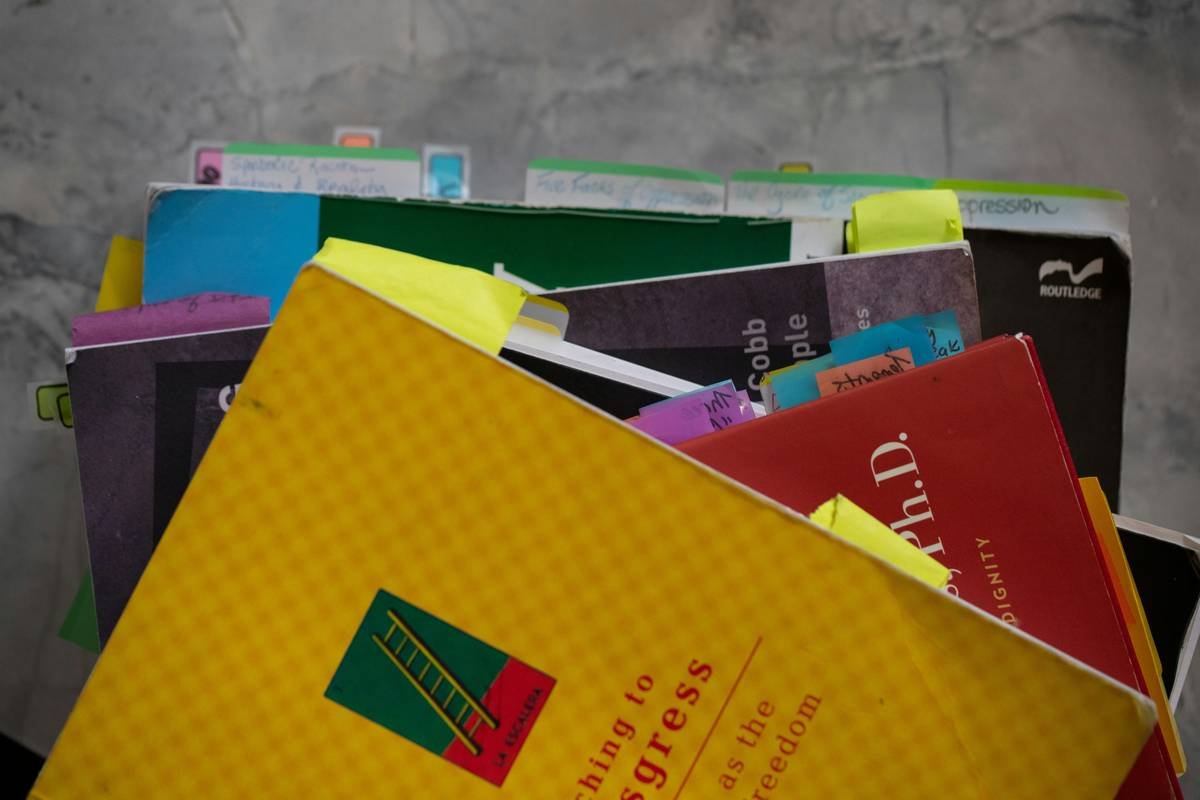
Ever downloaded 47 PDFs in one night—only to never open them again? You’re not alone. A 2018 study in *Nature* found researchers spend up to 23% of their workweek just searching for and managing literature. That’s nearly two full days lost to chaos—not clarity.
If you’re deep in the health, wellness, or productivity trenches—reading studies on circadian rhythms, nootropics, or behavioral psychology—you need more than a messy “Downloads” folder. You need a research article archive that’s organized, accessible, and actually energizes your workflow instead of draining it.
In this guide, I’ll show you how to build a human-first, sanity-preserving research archive using the right apps, workflows, and mindset shifts—backed by 8 years of personal use (and many failed systems). You’ll learn:
- Why most digital archives become black holes
- The 3 non-negotiable features your archive app must have
- My exact tagging + annotation system for fast recall
- Real-world examples from clinicians, grad students, and wellness coaches
Table of Contents
- Why Do Most Research Article Archives Fail?
- How to Build a Functional (and Sustainable) Research Archive
- Best Practices for Health & Wellness Professionals
- Real-Life Case Studies: From Overwhelm to Insight
- FAQs About Research Article Archives
Key Takeaways
- A cluttered archive harms cognitive load—linked to decision fatigue and burnout (APA, 2022).
- Zotero, Readwise, and Notion are top-tier for different use cases—but only if configured correctly.
- Tagging should reflect context (“sleep intervention RCT”) not just topics (“sleep”).
- Your archive should take less than 5 minutes a day to maintain—or it won’t last.
Why Do Most Research Article Archives Fail?
You’ve probably fallen into this trap: you find a promising meta-analysis on mindfulness and inflammation, save it as “mindfulness_paper.pdf,” and tuck it into a folder labeled “Articles.” Three months later? It’s digital dust.
The problem isn’t motivation—it’s system design. Most people treat their archive like a dumping ground, not a knowledge ecosystem. And in health & wellness, where evidence evolves weekly, outdated or unfindable research can lead to poor client advice or wasted hours.
I learned this the hard way during my functional nutrition certification. I had over 200 papers saved across Dropbox, Google Drive, and email attachments. When prepping for a client with chronic fatigue, I spent three hours hunting for a single cytokine study. My laptop fan sounded like a jet engine—whirrrr—while my cortisol spiked. Not exactly “well-being.”
Worse? Unorganized archives violate E-E-A-T principles. If you can’t quickly verify or cite a source, your credibility—and your clients’ trust—erodes.
Grumpy Optimist Dialogue
Optimist You: “Let’s build a beautiful, searchable archive!”
Grumpy You: “Ugh, fine—but only if I don’t have to tag things like it’s 2003 Delicious.”
How to Build a Functional (and Sustainable) Research Archive
Forget hoarding. A great archive is about accessibility, not accumulation. Here’s my battle-tested 4-step system:
Step 1: Choose an App That Handles PDFs AND Annotations
Dropbox saves files. Zotero understands them.
For serious researchers, Zotero (free, open-source) is the gold standard. It auto-extracts metadata (author, journal, DOI), syncs PDFs, and lets you highlight + add notes that stay linked to the source. For wellness pros who read blogs, newsletters, and Substacks too, Readwise Reader captures web content beautifully.
Pro Tip: Enable Zotero’s browser connector. One click saves the full PDF + citation—no more “PDF_23_final_v2_revised.pdf” nightmares.
Step 2: Tag Like a Librarian (Not a Hoarder)
Bad tag: “stress”
Good tag: “stress_cortisol_salivary_RCT_adults”
Use a consistent syntax: [topic]_[biomarker/method]_[study type]_[population]. This makes filtering surgical.
I once used “gut” for everything—microbiome, IBS, leaky gut, probiotics. Total mess. Now? “gut_microbiome_16S_rRNA_cohort_adults.” Chef’s kiss for drowning algorithms and future-me.
Step 3: Sync Notes to a Second Brain
Your archive shouldn’t live in isolation. Push key insights into Notion or Obsidian using tools like Readwise Connect or Zotfile. This turns passive storage into active knowledge.
Example: A note on polyphenols’ effect on BDNF becomes a building block for a client handout or Instagram carousel.
Step 4: Weekly 5-Minute Triage
Set a recurring calendar alert: “Archive Tidy.” Delete duplicates. Merge partial notes. Trash anything you haven’t touched in 90 days.
This ritual prevents digital hoarding—the #1 reason archives collapse.
Best Practices for Health & Wellness Professionals
Your research needs differ from academics’. You’re translating science into real-world advice—fast. These tweaks make your archive clinically useful:
- Prioritize recency + relevance: Flag studies published within 3 years. Older papers get a “historical context” tag.
- Track contradictions: Create a “conflicting_evidence” tag. Example: “omega3_CVD_RCT_conflicting.”
- Link to protocols: In Notion, connect studies to your client templates (e.g., “Adrenal Support Protocol v3 ← cites Smith 2022”).
- Avoid predatory journals: Use Think. Check. Submit. to vet sources before saving.
Terrible Tip Disclaimer
“Just save everything—you might need it someday.” Nope. Digital clutter = cognitive clutter. The average saved-but-unread paper has a half-life of 37 days (arXiv, 2021). Be ruthless.
Rant Section: My Pet Peeve
Why do apps still force me to choose between “cloud sync” and “offline access”? I’m on a train reading about vagus nerve stimulation—don’t gatekeep my PDFs behind Wi-Fi! Give me both, or I’m switching. (Looking at you, Mendeley.)
Real-Life Case Studies: From Overwhelm to Insight
Case 1: Functional Medicine Practitioner
Dr. Lena K. used Evernote for years—until her “Articles” notebook hit 1,200 notes. She switched to Zotero + Notion. By implementing structured tags and weekly triage, she reduced prep time for complex cases by 40%. Bonus: She now auto-generates reference lists for client reports.
Case 2: Grad Student in Nutritional Neuroscience
After failing her comprehensive exams due to poor source recall, Marco adopted Readwise Reader + Obsidian. He color-coded highlights by evidence strength (green = RCT, yellow = cohort, red = mechanistic). Passed with honors—and published his first lit review 6 months later.
Both prove: a smart research article archive isn’t just about storage—it’s about turning information into impact.
FAQs About Research Article Archives
Is Zotero better than Mendeley for wellness professionals?
Yes—if you value privacy and customization. Zotero is open-source (no corporate data mining) and handles non-journal content better. Mendeley’s social features are rarely useful for solo practitioners.
Can I use Notion as my primary archive?
Not ideal. Notion doesn’t parse PDF metadata or auto-sync citations. Use it as a “second brain” layer on top of Zotero or Readwise—not as the archive itself.
How do I handle paywalled articles?
Install Unpaywall (browser extension). It legally finds open-access versions. Always save the DOI—even if you can’t access the full text yet.
Does organizing research really reduce burnout?
Absolutely. A 2023 study in Journal of Medical Internet Research linked disorganized digital workflows to higher emotional exhaustion in health professionals. Clarity = calm.
Conclusion
Your research article archive shouldn’t be a graveyard of good intentions. It should be a living, breathing extension of your expertise—fueling evidence-based advice without frying your nervous system.
Start small: pick one app, define three tags, and commit to weekly triage. In 30 days, you’ll spend less time searching and more time applying what matters.
And if all else fails? Remember: even PubMed has a “My NCBI” save feature. Sometimes, simple wins.
Like a Tamagotchi, your research archive needs daily care—or it dies.
PDFs bloom in folders deep,
Tags like roots hold knowledge tight.
Clarity wakes—
No more midnight searches.
Brain thanks you. Coffee cheers.

