
Lost references. Duplicated notes. Missed deadlines. If your research project organizer feels more like a black hole than a productivity tool, you’re not alone. Most researchers drown in disconnected apps—PDFs in one tab, citations in another, to-do lists scattered everywhere. The result? Burnout before you even hit the literature review phase.
The Silent Killer of Academic & Independent Research
Spreadsheets and generic note-taking apps weren’t built for research. They lack version control, source linking, and contextual tagging. And most “productivity” tools demand rigid hierarchies—while real research is iterative, messy, and non-linear.
You don’t need another kanban board with sticky notes labeled “READ THIS.” You need a system that mirrors how ideas actually connect—not how software engineers think they should.
Build a Research Project Organizer That Adapts to Your Brain
Forget forcing your workflow into someone else’s template. Start by mapping your actual behavior: Do you annotate PDFs directly? Do you write snippets before structuring arguments? Track your last three research sessions. Notice patterns. Then choose tools that fit—not vice versa.
Choose Tools Based on Cognitive Load, Not Feature Lists
Tool overload is real. Each app switch drains mental energy. A true research workflow minimizes context switching. Look for deep integration between reading, annotating, and writing—not flashy dashboards.
Structure Data Like a Graph, Not a Folder
Traditional folders force artificial categories. Real knowledge is networked. Use bidirectional linking or backlinking so each note automatically surfaces related concepts. This mimics associative memory—your brain’s native OS.
Automate the Boring Stuff, Not the Thinking
Zotero auto-generates citations. Obsidian auto-links notes. But no app can synthesize insights for you. Automate metadata capture, file naming, and bibliography formatting—never interpretation.
| Approach | Time Savings/Week | Cognitive Overhead | Best For |
|---|---|---|---|
| Spreadsheets + Manual Notes | -2 hrs (net loss) | High | One-off undergrad assignments |
| All-in-One Suite (e.g., Notion) | +3 hrs | Medium | Team-based policy research |
| Composable Stack (PDF Annotator + Zettelkasten + Reference Manager) | +7+ hrs | Low (after setup) | Long-form academic or independent research |
The Industry Secret: Elite Researchers Don’t Organize—They Curate
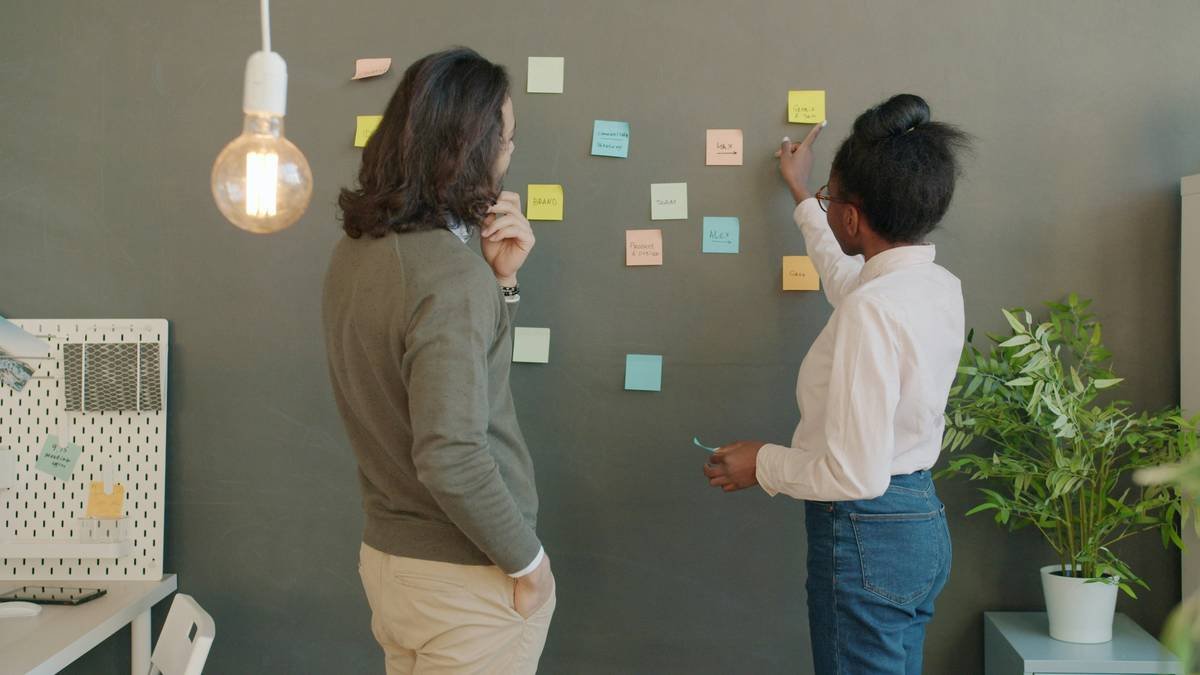
Here’s what nobody tells you: organization is reactive. Curation is proactive. Top researchers treat every source like a potential exhibit in a gallery—not a file to be filed. They ask: “Does this belong in my argument’s narrative?” before saving it. The research project organizer becomes a living bibliography shaped by purpose, not just accumulation. This mindset shift cuts noise by 60% and accelerates writing because every note already carries intent.
Think about it. When you curate, you’re not managing data—you’re building a case.
Frequently Asked Questions
What’s the best free research project organizer for students?
Zotero + Obsidian (free tier) offers reference management and connected thinking without cost. Avoid “all-in-one” freemium traps that lock core features.
Can I use Notion as a research project organizer?
Yes—but only if your work is highly structured and collaborative. Notion lacks native PDF annotation and bidirectional linking, making solo deep research inefficient.
How do I avoid digital clutter in my research workflow?
Apply the 48-hour rule: if a source hasn’t been actively used within two days of saving, archive or delete it. Clutter usually comes from hoarding, not poor tools.

